
Ready for pickup.
Prepare packages and labels before the driver arrives.
EVERY PACKAGE HAS A JOURNEY
Bring packages, pickups, and recorded handoffs together in a private workspace for your pharmacy.
Meet RunRx
Prepared at your counter.
Connected through the journey.
Your delivery work has a home. Orders, pickups, and updates stay within reach.
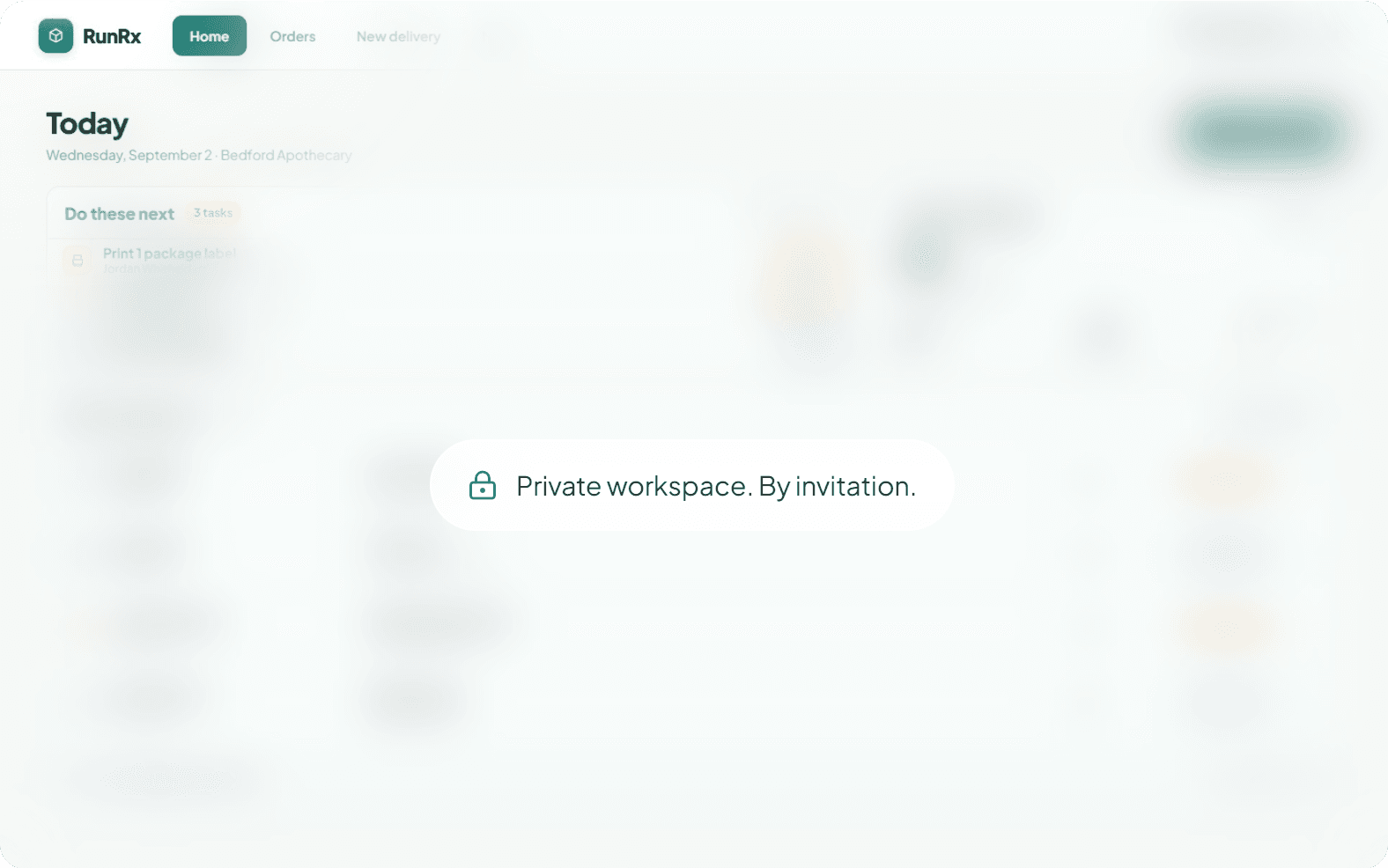
Prepare packages and labels before the driver arrives.

Return to delivery milestones, proof details, and invoice history.

Approved accounts, role-based access, and pharmacy-scoped records help keep delivery information with the right team.

Choose from available delivery windows. Add package details and instructions for each handoff.

Create the delivery, prepare the pickup, and follow the updates. One place to return to.
Start with your RunRx invitation. Add your pharmacy and license details for review, then complete security setup after approval.
In your workspace, create deliveries, follow pickup handoffs, and review progress as it is recorded.
We’re working toward connections with pharmacy management systems, with the goal of supporting as many as possible.

Integrations are planned. Availability will depend on each system and partner. Tell us what you use to help shape our roadmap.
Discuss your systemTell us where your pharmacy is based. We’ll confirm service availability and discuss your delivery needs.
Check your service area
RUNRX FOR DRIVERS
Help connect neighborhood pharmacies with the people who rely on them. Carry the next handoff with RunRx.
The driver app brings assigned stops, pickup steps, and delivery confirmation together on mobile.
Explore driving with RunRx
RunRx connects the work between the pharmacy counter and the delivery handoff. Our focus is a clearer experience for pharmacy teams, drivers, and the people they serve.

The people behind the counter, in their own words.
Customer testimonial
awaiting approval.
Approved quote, name, role, and pharmacy will appear here.
A second pharmacy story.
In their own words.
Reserved for a verified customer testimonial.
Schedule a call for a private walkthrough. We can discuss your workflow, service area, and pharmacy system.
Your pharmacy and delivery needs
A private look at RunRx
Integration priorities
Questions and next steps
Available times will appear when the RunRx calendar is connected.
Start with an invitation from RunRx. Submit your pharmacy and license details for review. Once approved, complete the security steps to open your workspace.