

Skip to content
RunRx

How it works

It starts withyour pharmacy.

A conversation, an invitation, and a workspace for the day ahead. Here’s how to get started with RunRx.

01 Get acquainted

Let’s talk about your day.

Every pharmacy works a little differently. Tell us about your team, where you deliver, and what a busy day looks like. We’ll confirm service availability and explore how RunRx can fit.

Introduce your pharmacy

A few things we’ll talk about

Your neighborhood
Your pharmacy location and the people you serve.
Your routine
Pickup needs, delivery windows, and your team’s day.
Your tools
The systems you use and the details you need together.
Explore our service area

02 Make yourself at home

An invitation.
A space of your own.

Use your invitation to submit your pharmacy and license details for review. Once approved, complete your security setup to open your pharmacy workspace.

Already have an invitation?
RunRxYour pharmacy, next.
  1. Start with your invitation

    Your way into the application.

  2. We review your pharmacy

    Pharmacy and license details, checked.

  3. Complete security setup

    After approval, make your workspace yours.

03 Bring your day together

One place.
Your whole delivery day.

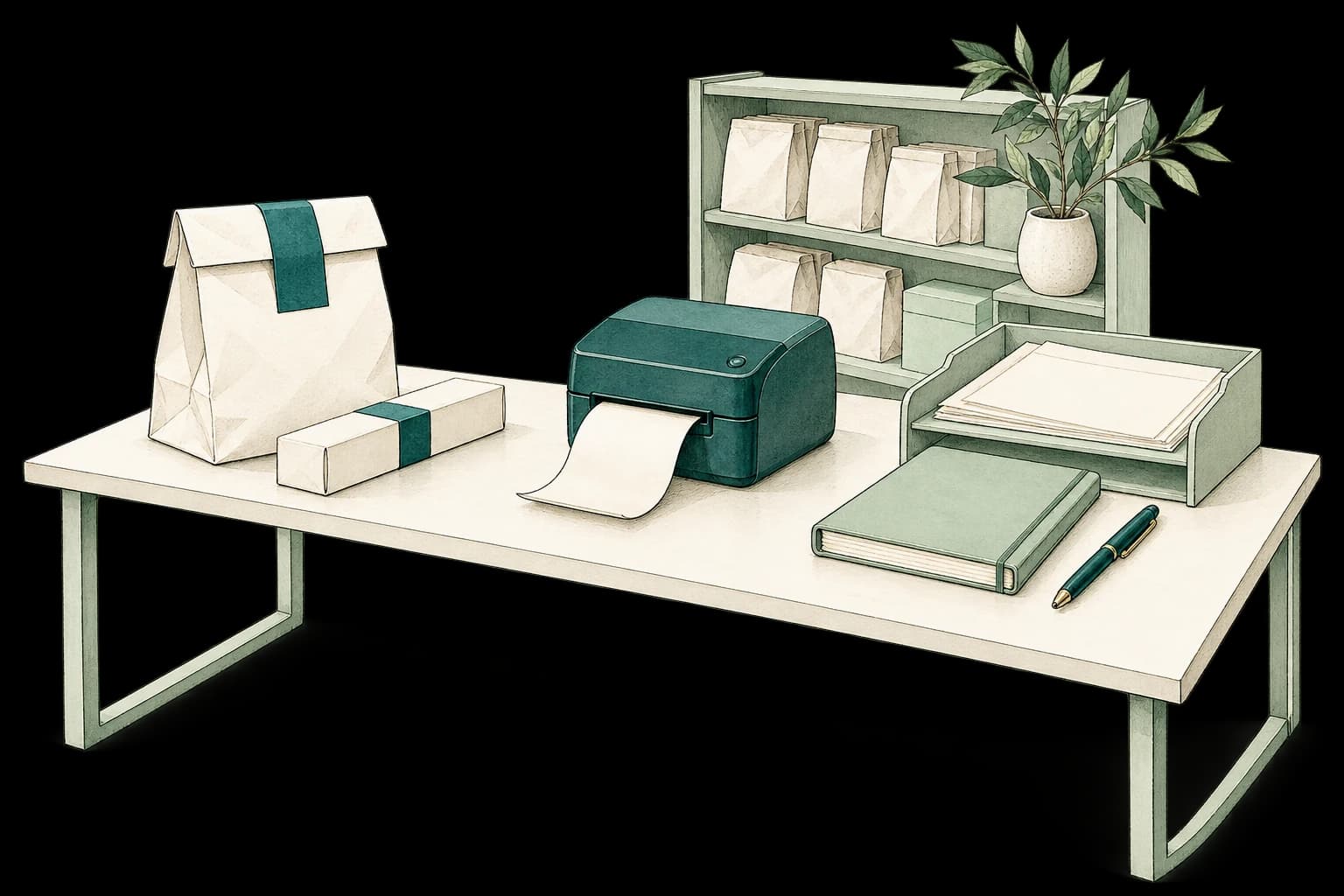
Create deliveries, prepare pickups, and review milestones as they’re recorded. Your team can return to the same workspace for delivery details, proof, and invoice history.

Explore the pharmacy workspace